

Mobile Proxies, IP Rotation, and Online Security: What Users Should Understand

Proxy servers relay network requests between users and destinations. Their addresses may come from hosting infrastructure, residential connections, or cellular networks. These categories describe where traffic exits, rather than how securely it travels. For developers and privacy-conscious users, the essential question is what protection a service provides beyond changing the visible IP address.
Trusted mobile proxy websites illustrate how mobile proxy services are positioned around carrier addresses, rotation, and location options. Those features deserve separate scrutiny from privacy claims. Treat promotional descriptions as starting points for questions, rather than evidence that sensitive browsing or account credentials will be protected.
How do the three proxy types differ?
Traditional datacenter proxies use addresses associated with hosting servers. Residential proxies route requests through addresses associated with household internet connections. Mobile proxies use cellular carrier addresses. Cloudflare distinguishes cloud-origin traffic from residential proxy traffic in its research, while describing commercial pools that include residential and mobile networks.
The security comparison should therefore focus on control and sourcing. With a datacenter service, ask who operates the servers and can access traffic. With residential and mobile pools, also ask how participating connections were obtained. A familiar-looking network address says little about consent, operator accountability, or safeguards around the underlying connection.
There is no automatic security winner. For a controlled project, prioritize documented infrastructure and verifiable policies over the address category. A carrier-based exit may suit a specific test, but it should face the same review of encryption, authentication, and data handling as a server-based alternative.
What changes when an IP address rotates?
Rotation changes the exit address used for successive requests or sessions. As a testing approach, it can help teams compare how their own applications respond to different network origins. For example, a developer might evaluate regional content delivery or check whether an abuse-control rule incorrectly blocks legitimate traffic from selected networks.
Keep these experiments controlled. Use test accounts, synthetic data, agreed request limits, and recorded results. Separate test traffic from everyday browsing through dedicated configurations. Address rotation alone does not create that separation; the workflow must provide it. Define the question being tested before choosing how frequently addresses should change.
Privacy has similar limits. Research by Imane Fouad and colleagues examined how browser fingerprinting can support the recreation of tracking cookies. The practical implication is that changing a network address does not erase identifiers stored or exposed by the browser. Avoid treating rotating IPs as proof that separate visits cannot be connected.
Why encryption matters more than the network label
OWASP explains that properly implemented Transport Layer Security provides confidentiality, integrity, and server authentication. These protections matter whenever requests carry passwords, tokens, or personal information. A mobile connection does not replace HTTPS, and a proxy protocol name alone does not establish that every part of the connection is encrypted.
Ask two questions separately: is the connection to the proxy protected, and does the application maintain verified HTTPS to the destination? Reject certificate errors instead of disabling validation. For a sensitive workflow, request documentation explaining where encryption begins, where it ends, and whether any intermediary decrypts application traffic.
Traffic inspection deserves particular attention. Cloudflare documents that its managed HTTPS inspection requires a trusted certificate on users’ devices. This illustrates why installing an operator’s root certificate is a significant trust decision. Where inspection terminates TLS, that intermediary can examine decrypted traffic. Understand the purpose and authorization before accepting such changes.
Where operator trust and logging become decisive
Network sourcing can create serious risks. A 2024 advisory from the Federal Bureau of Investigation and partner agencies described the dismantled 911 S5 residential proxy service and its botnet. That documented example does not characterize every provider. It does show why users should request clear evidence of consent and legitimate infrastructure ownership.
Logging presents another tradeoff. OWASP recommends security logging while warning against recording passwords, access tokens, and sensitive personal data. Ask what a provider records, why it records it, who can access it, and when deletion occurs. Evaluate specific retention commitments rather than relying on a broad privacy slogan.
Credential protection also needs explicit controls. OWASP recommends managing secrets through restricted access and defined rotation and revocation processes. Apply those principles to proxy credentials. Use separate credentials for separate projects, keep them outside shared scripts, and establish a quick way to revoke access when a device or account is compromised.
Start with a small trial using information you can safely expose. Alongside security checks, consider understanding mobile data usage when planning cellular testing workloads. Document expected exit locations, access permissions, and failure behavior. Resolve unclear provider practices before deployment, then assess whether the price fits your needs.
A security checklist before routing traffic
Use the following questions to turn the comparison into a practical decision:
- Encryption: Is HTTPS verified, is the proxy connection protected, and is any traffic inspection disclosed?
- Provider transparency: Can the operator explain its identity, infrastructure sourcing, participant consent, and incident response process?
- Authentication controls: Are credentials restricted, securely stored, and revocable? Can administrators limit access for each project?
- Logging policies: What information is collected, how long is it retained, and who receives it?
- Acceptable use: Does the planned activity satisfy provider rules, destination requirements, and the authorization granted for testing?
Choose rotating mobile access when its network characteristics answer a defined need. Reassess the arrangement whenever the workload becomes more sensitive. Sound security rests on evidence, limited access, and clear responsibilities.



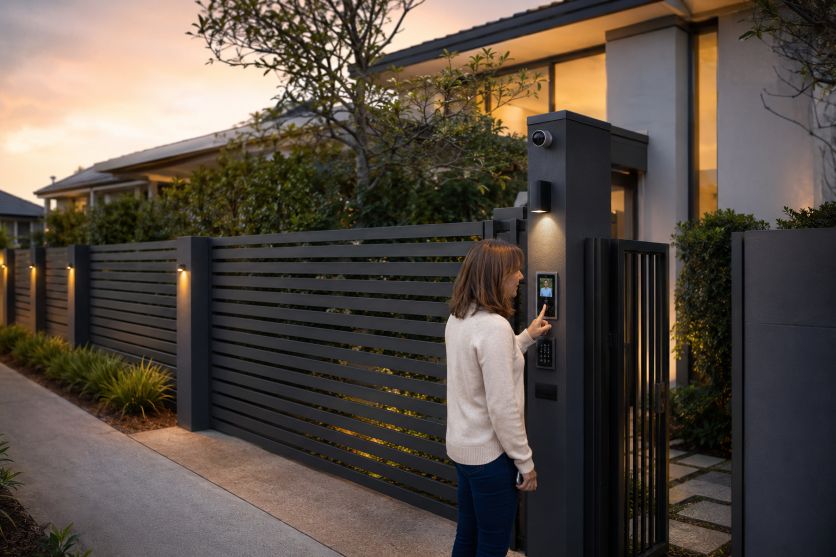

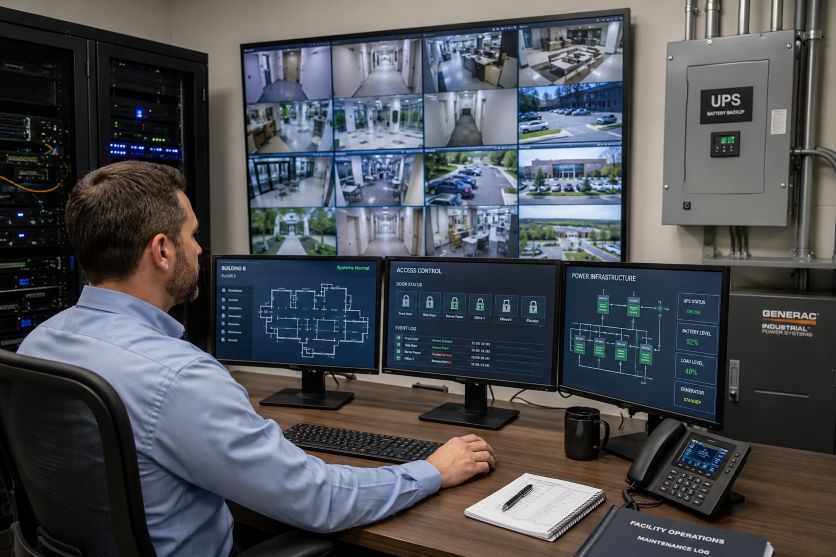
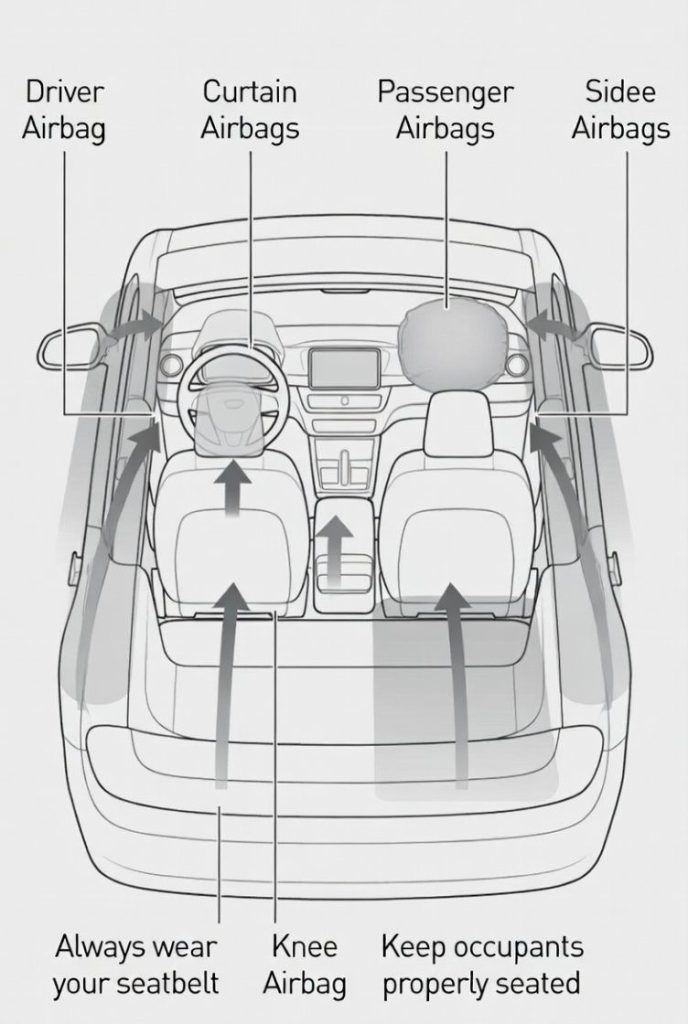
 Modern vehicles are no longer judged only by engine power, fuel efficiency, or design. Safety and security have become equally important, especially for urban drivers who navigate busy roads, unpredictable traffic, and rising concerns about vehicle theft. Hyundai has responded to these expectations by equipping the Creta with a wide range of smart sensor-based technologies designed to improve both passenger safety and vehicle protection.
 Technology has changed the way people live in Vienna. Homes today contain more electronic devices than ever before. Old televisions, broken printers, outdated computers, damaged appliances, and unused gadgets often remain stored inside homes for years. Many people are unsure how to properly dispose of these items, especially when they are large, heavy, or contain personal data.

 Finally, there is safety and fun. The film industry performs well when users remain updated and vigilant of their online health.



 Technology is transforming the way we build homes. Today’s new houses are not just stronger or more energy-efficient. They are also becoming smarter and more secure. From the ground up, security is now a top feature in many construction plans.
 Digital media offers interactive experiences that traditional print materials can’t always provide. E-books with read-aloud features, word highlighting, and animations help children connect sounds with letters. Apps designed for phonics and vocabulary allow repeated practice, which reinforces learning in a fun and engaging way.
 The world of Free sports broadcast (source: 무료스포츠중계) has been transformed by advancements in technology. Fans today enjoy a viewing experience that is more immersive and secure than ever before. From high-definition video to real-time data analysis, technology has revolutionized how sports are shared with the world. However, with these advancements come new challenges in security, ensuring that both broadcasters and viewers remain protected.
 Technology has revolutionized many industries, and auto repair by AutotronicsPA is no exception. Modern vehicles are equipped with advanced systems that make driving safer and more comfortable. However, these


 Are you tired of grappling with a faulty gate that refuses to open or close smoothly? Or perhaps your fence has seen better days, with cracks and gaps that compromise both security and aesthetics? If so,
  3. Your property will have improved style


 The fusion of technology with traditional services like shuttle transportation is reshaping our experience in remarkable ways. This evolution, however, brings with it a critical need to address cybersecurity concerns.

